The Hobbit
released on August 14, 2026!

Order now on CardKingdom Order now on TcgPlayer

The Hobbit
released on August 14, 2026!

Order now on CardKingdom Order now on TcgPlayer
9 total results       Page 1 of 1
You must login or register to post a new reply
Posts [ 1 to 9 ]
Trade score 13 (100%)
Administrators
Registered: 18-May-2009 18:29
13-Aug-2026 13:53 (Last edited: 13-Aug-2026 13:55)
1
I'm excited to present the closed beta of the upcoming Deckbox mobile apps for Android and iOS!

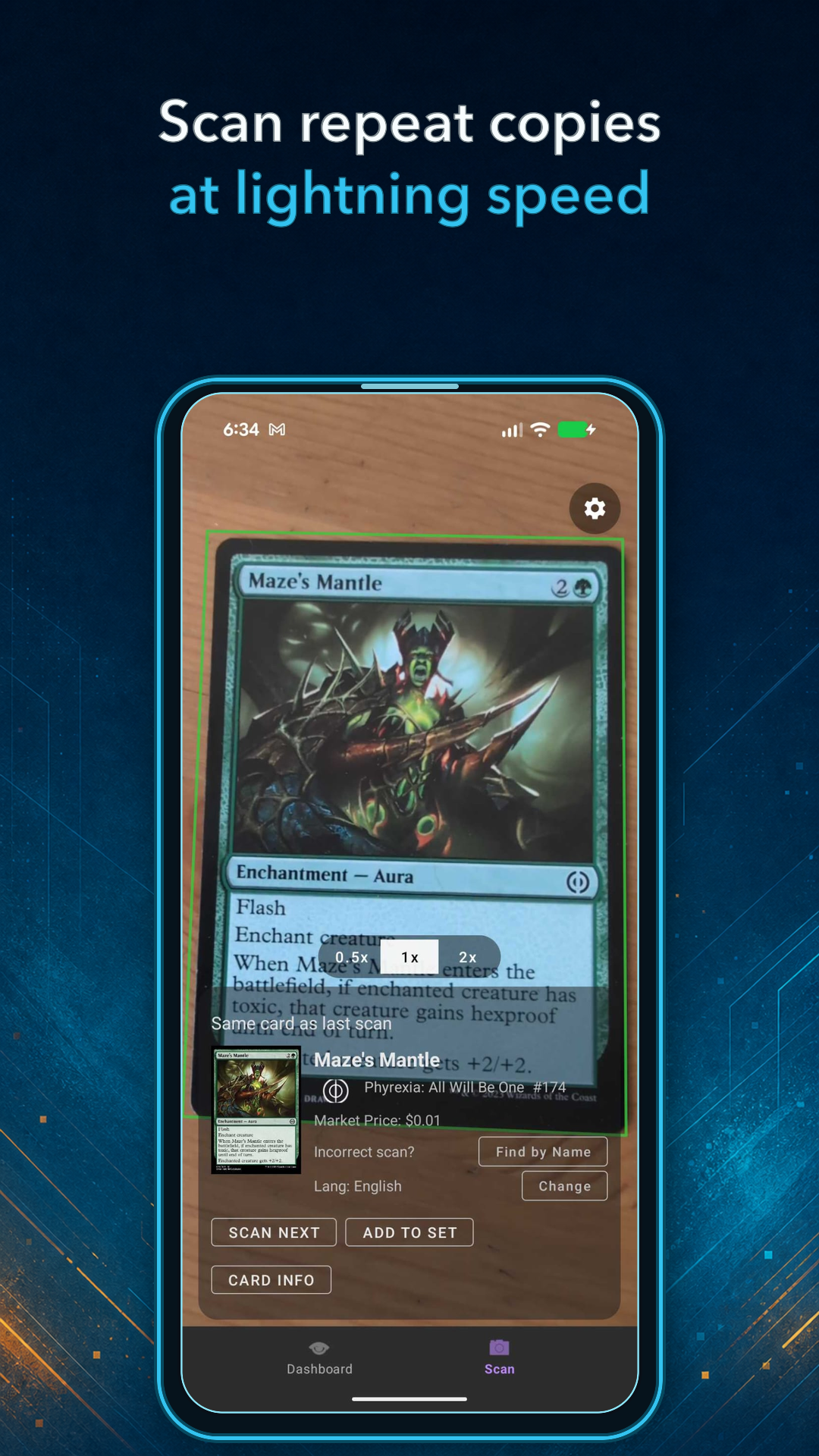
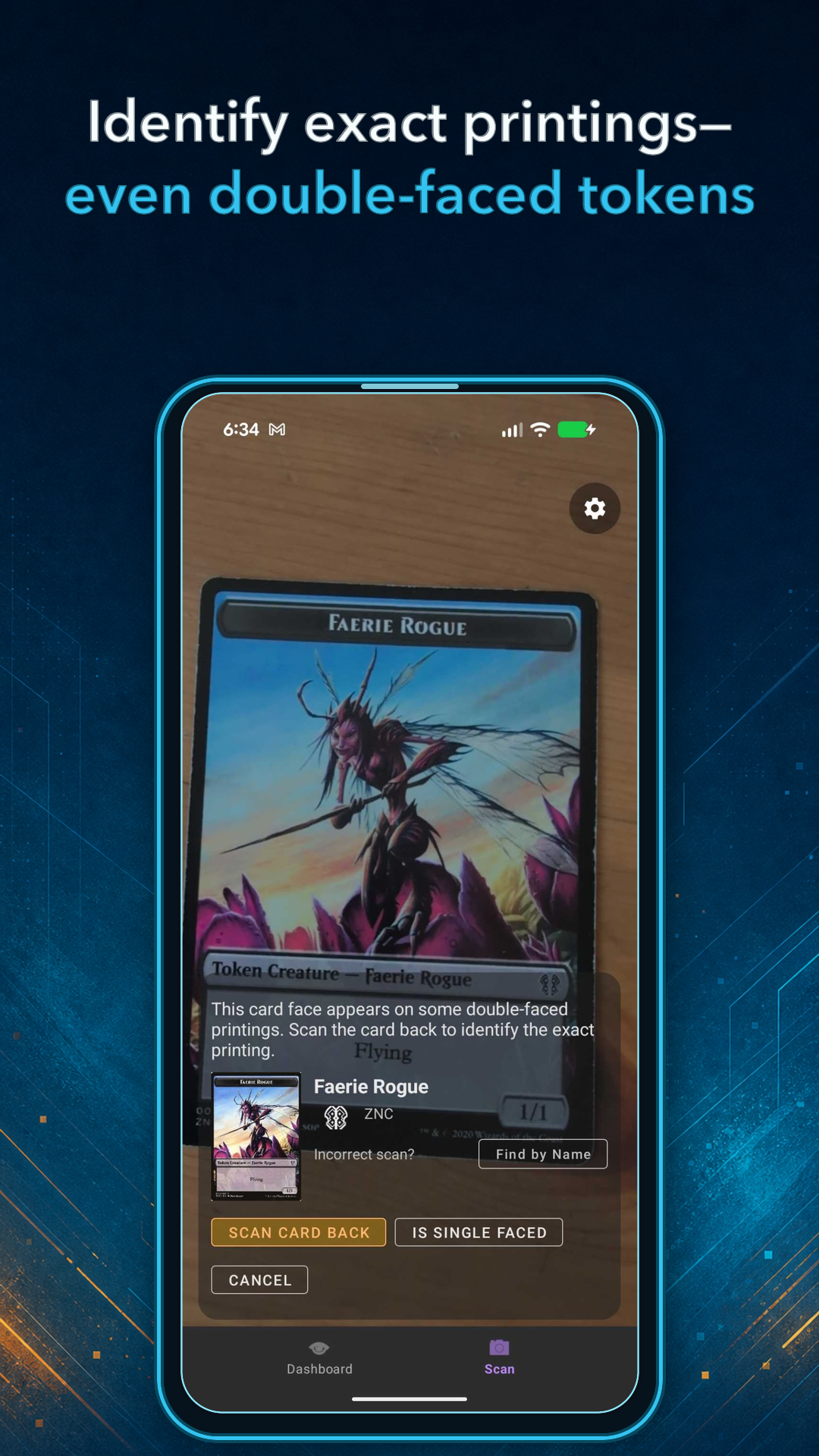
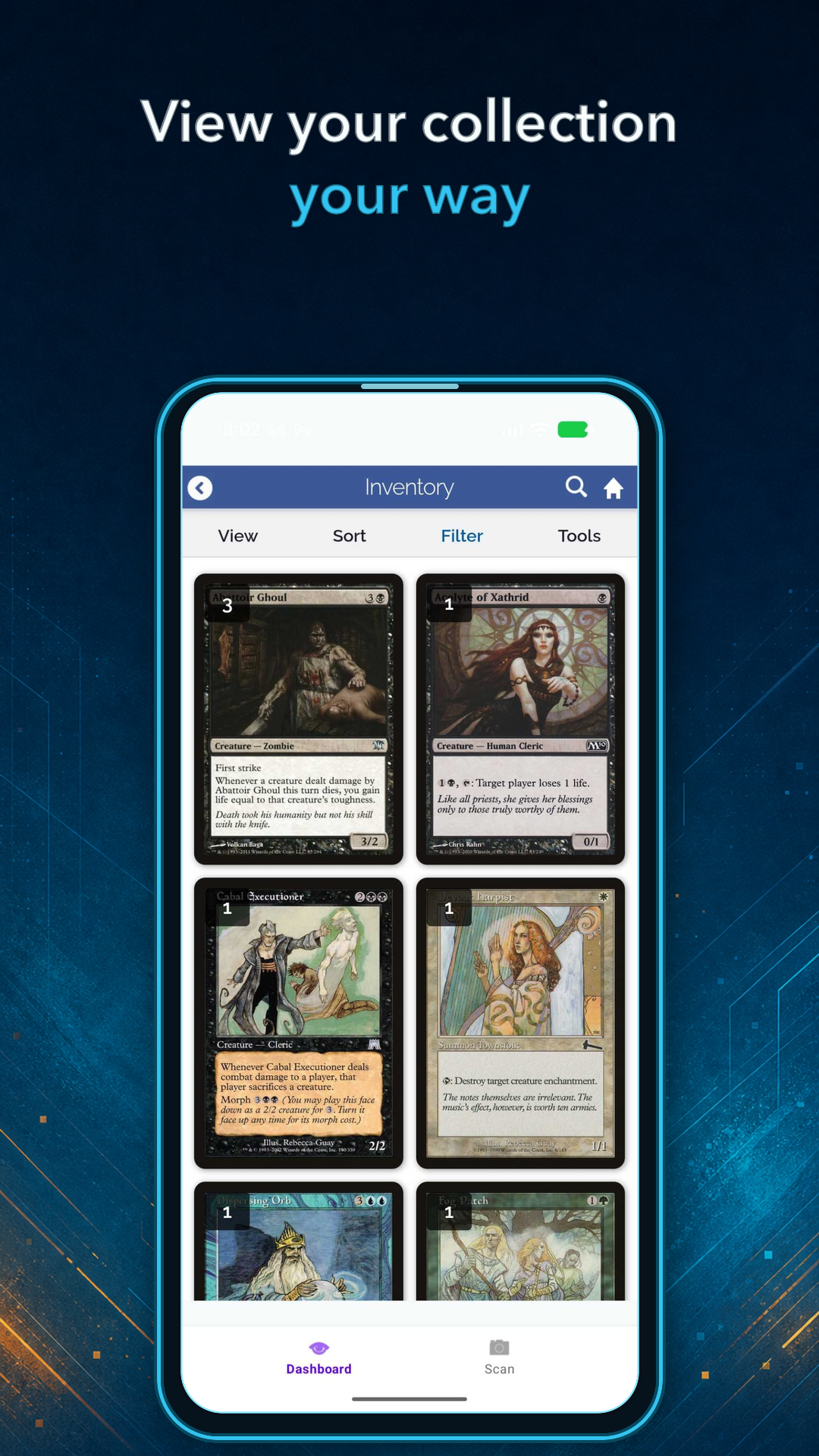
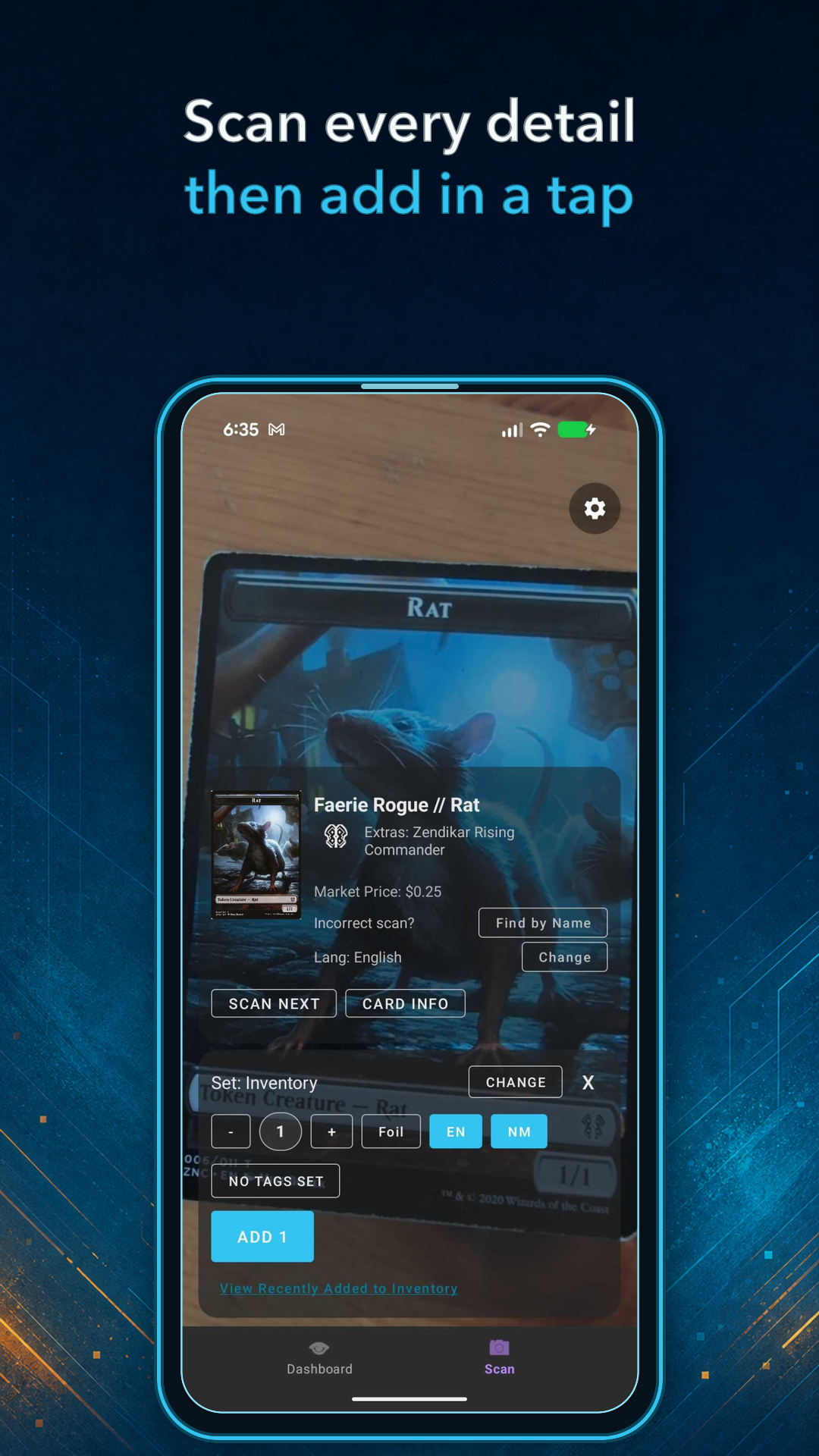
The biggest feature is the fast card scanner for adding cards directly to your collection. Additionally the apps package parts of the web mobile interface, for browsing and managing the collection and decks.


This is beta preview, so you may encounter rough edges. I would especially like to hear about scanner accuracy, confusing workflows, bugs, and anything that would make the apps more useful. Allowing debug data collection for improving the scanner also helps a great deal!

For this first phase, the closed beta is available to Premium members. You can find the Android and iOS installation instructions here: Join the Deckbox mobile beta
Depending on how testing goes, I'd like to move very fast to an open beta, to avoid the wonkiness of the closed beta procedures.

Please share your feedback in this thread or a private support ticket. Looking forward to hearing what you think!
Trade score 63 (100%)
Members
Registered: 04-Dec-2019 23:32
Trade score 246 (100%)
Members
Registered: 27-Feb-2015 04:21
This is super exciting! I can't wait!
Trade score 643 (100%)
Members
Registered: 24-Aug-2016 19:22
Trade score 42 (100%)
Members
Registered: 10-Oct-2023 02:07
Trade score 497 (100%)
Community Admins
Registered: 08-Oct-2012 14:08
I had some odd cards to add to my collection (the challenge decks from Theros block) and the scanner worked quite well overall. It is so fast to add a bunch of cards this way -- so much faster than typing/searching.

I found that there were several times were the card was marked as foil when it wasn't and a few times where the cards were marked as German instead of English. I don't know if I hit the foil button or not, but I really don't think that I hit the language accidentally to change things to German. I had my defaults set to English and non-foil. Given that I was just scanning into a deck this was easy to catch. If I had been scanning into my collection this type of error would be harder to spot.

A few times the scanner came up with the wrong card, but it picked out the right card on the second attempt.

The app wasn't refreshing the decklist when I used the arrows to navigate back to the deck, but looking on my computer would bring up the updated deck list, or if I navigated there again rather than using the back arrows then the decklist was properly updated.

After adding cards to a deck and then navigating back to my deck lists, it would be handy to have the same navigation path available. Instead I would have to click Sets -> Precons each time to get back to the list of Challenge Decks.

Super impressed by the speed and accuracy overall.
Trade score 13 (100%)
Administrators
Registered: 18-May-2009 18:29
Thanks a lot for the testing and feedback!

The language detection is still wonky when the image is blurred, but I am confident this can be extremely accurate with some more training data. I will think of how to make this more visible in the mean time, so one can quickly spot mis-detections.

The foil detector on the other hand - this one I'm still a bit unsure about. It works excellent when the lighting is just right, but there are many cases where the reflection and lighting conditions are such that it is very hard to tell. Even for a human eye looking at the photo (at least *my* human eye) it's sometimes almost impossible to tell it's foil, although in real life I can clearly see this. So this part needs some more work. But I should also make it more obvious when it *thinks* it's foil so you can correct it, or make it way less eager in the mean time, and only mark foil when extremely confident...

The stale decklist issue should be fixed in the next release.
Trade score 497 (100%)
Community Admins
Registered: 08-Oct-2012 14:08
For the foils issue, I was scanning while the cards where still sleeved, so that might have made things more difficult for the app. In my case I was scanning cards that don't even come in foil versions, so that could be a good check in some cases, but probably not very useful overall.

Thinking about the workflow, if you were scanning into an inventory directly instead of into a deck it might be nice to automatically add a tag to the cards (that could go away like a week later), but that could give you a way to pull up all of the cards that were added during a session of scanning and verify their accuracy. That seems better than adding everything to a holding place that you'd have to approve (because you might forget to do that step), but it would add a way to double-check your work.
Trade score 13 (100%)
Administrators
Registered: 18-May-2009 18:29
17-Aug-2026 05:42 (Last edited: 17-Aug-2026 05:43)
9
Yes the tagging would be useful indeed. I thought people would add a tag themseves for it, so i put the 'No Tag Set' button in the Scanner add UI, but perhaps this is not visible enough. I'd thought people would want to tag them anyway, like "fatpack1" or "box 20 closet" or whatever the storage scenario is, so quick access to the inventory tags was useful.

Perhaps the tagging UI and the hint to set a tag there is not yet visible / intuitive enough?
Posts [ 1 to 9 ]
9 total results       Page 1 of 1
You must login or register to post a new reply